Free Images to PDF Converter: Make a PDF From Photos
Build a multi-page PDF from JPEG, PNG, or WebP photos in seconds
Convert images to PDF online for free. Upload JPEG, PNG, or WebP files, reorder pages, and download one PDF document all in your browser.
Create a PDF From Photos Without Desktop Software
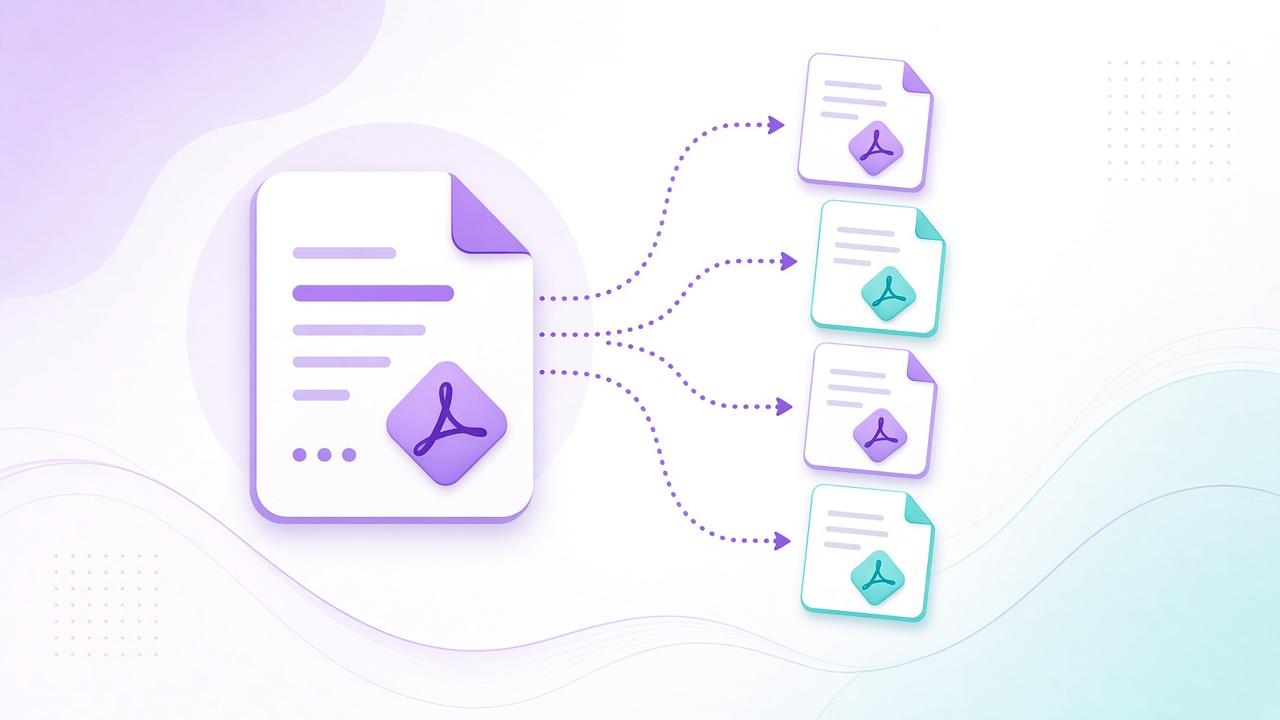
Combine product shots, receipts, or portfolio images into one shareable PDF. Upload JPEG, PNG, or WebP files, set the page order, then download a multi-page document ready to email or archive.
Everything runs locally in your browser session up to 40 images with a 40MB limit per file so originals never leave your device for server storage.
Frequently Asked Questions About Images to PDF
How do I make a PDF from images?
Upload one or more images, set the page order, tap Create PDF, then download. Each image becomes one page.
Which image formats are supported?
JPEG, PNG, and WebP uploads are supported. Files stay in your browser session and are not saved to your account.
Is there a limit on how many images I can add?
You can add up to 40 images, with a 40MB limit per file.