Free PDF to Image Converter: Export PDF Pages as PNG or JPG
Turn any PDF page into a sharp PNG or JPG without installing software
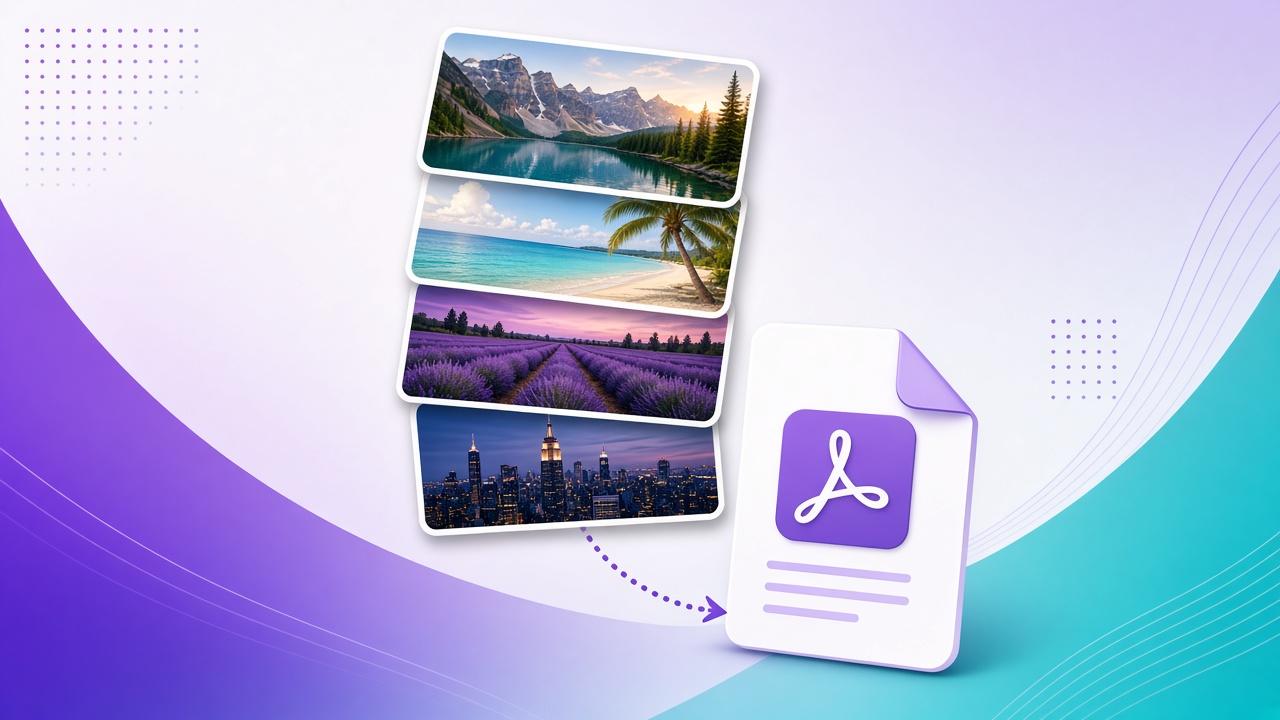
Convert PDF to image online for free. Open a PDF, pick a page, choose PNG or JPG and export scale, then download all in your browser with nothing saved to your account.
Export PDF Pages as High-Quality PNG or JPG Images
Need a screenshot-quality page from a report, slide deck, or scanned form? Our free PDF to image converter renders the page you choose at 1×, 2×, or 3× scale so text and diagrams stay sharp for blogs, social posts, or presentations.
Pick PNG when you need a clean transparent-friendly raster, or JPG for smaller photo-like exports. Conversion stays in your browser session files are not uploaded to Crafing servers.
Frequently Asked Questions About PDF to Image
How do I convert a PDF page to an image?
Upload a PDF, select the page, choose PNG or JPG and a render scale, then download. Conversion runs in your browser session.
Can I convert every page at once?
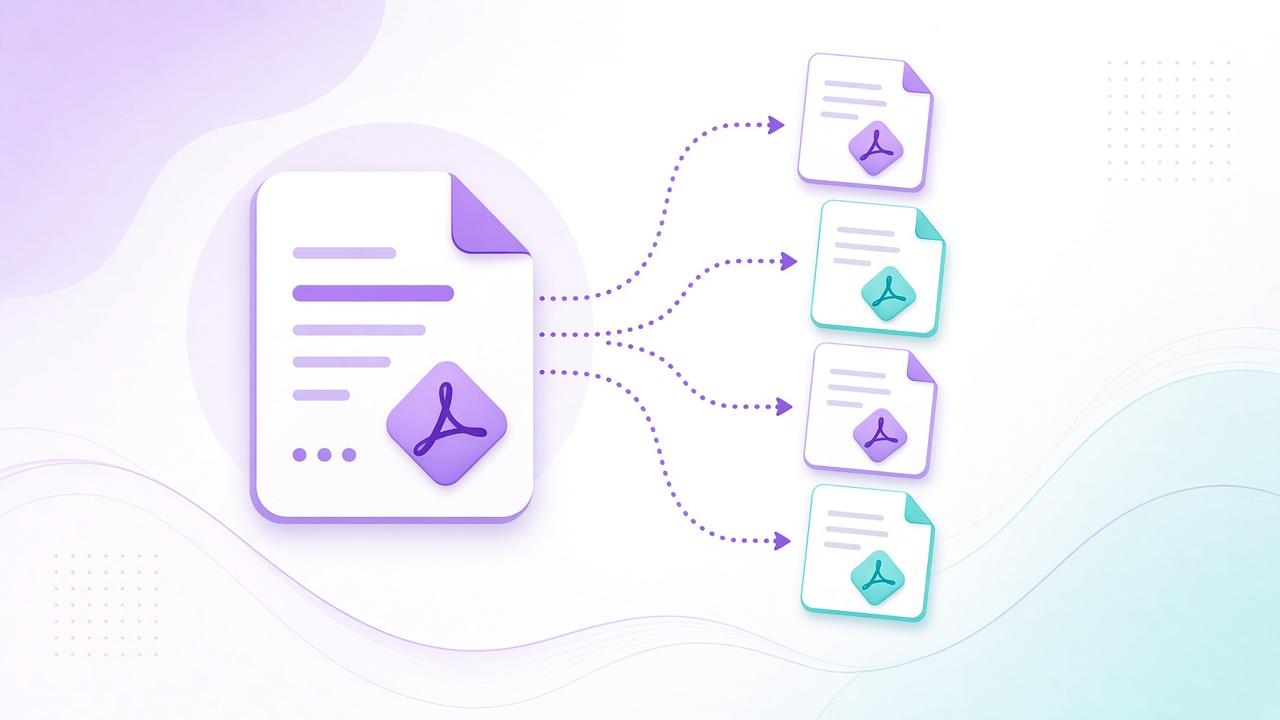
This tool exports one page at a time so you can pick quality per page. Switch pages and download each image you need.
Are PDFs uploaded to Crafing?
No. Rendering stays in your browser and files are not saved to your account.